

Multi Favorites

Introduction
Multi Favorites is a favorites function for Windows environments.
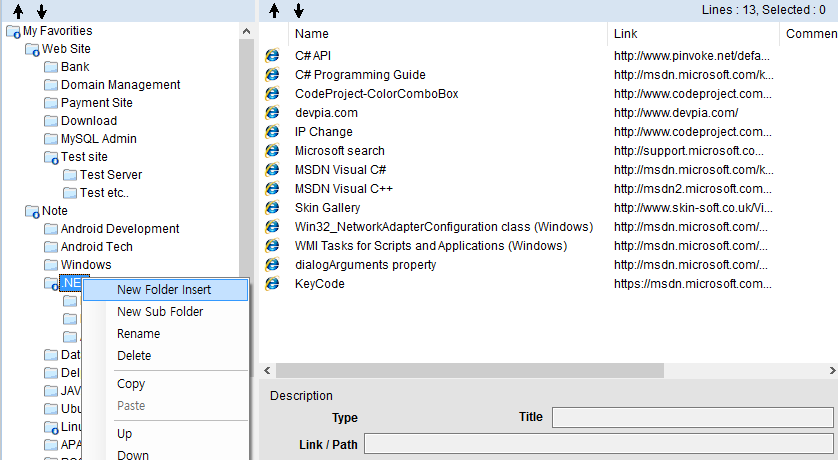
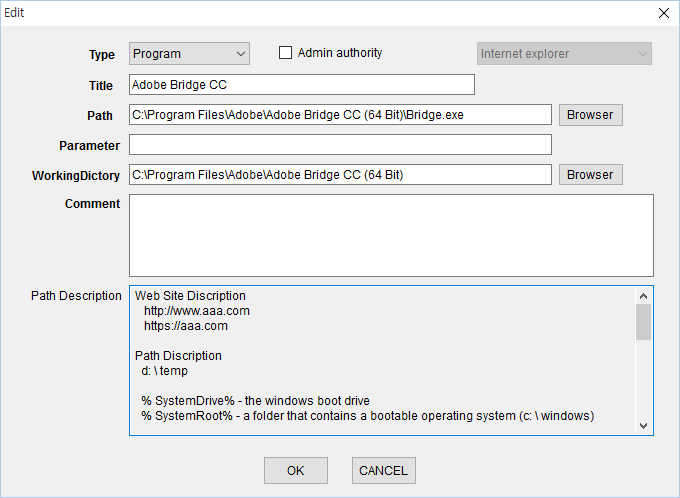
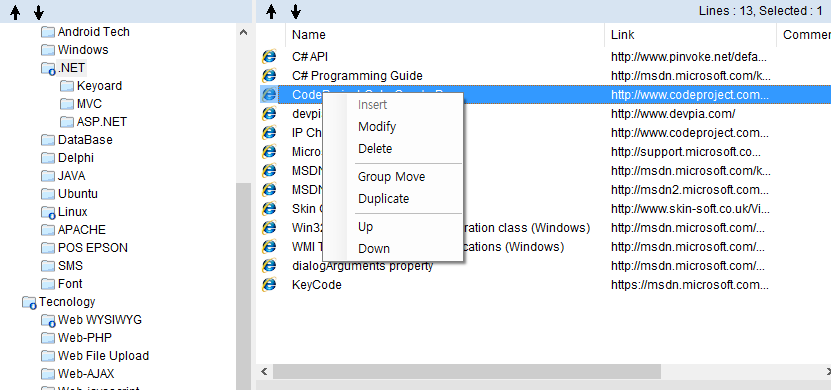
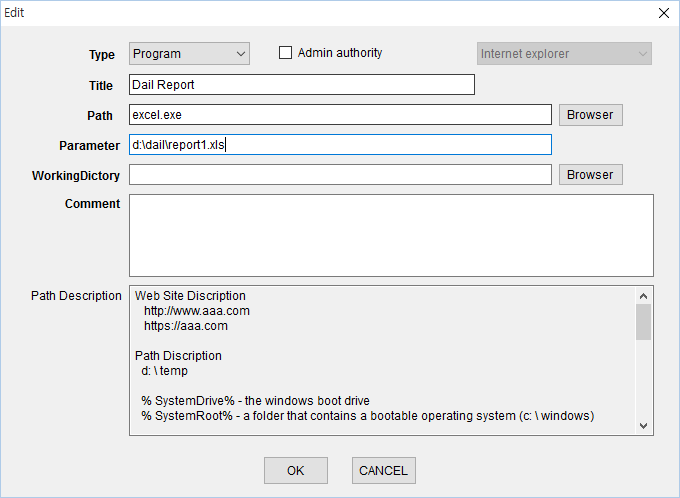
Multi Favorites software provides an easy and quick function, not only to execute your favorite web sites, but also frequently-used programs, folders and documents with customized shortcut keys or by a single-click to open an item. An option to copy your Favorites to a USB Flash drive is also provided.
Memory function for simpler access is an additional feature of Multi Favourites software
Multi Favorites software provides an easy and quick function, not only to execute your favorite web sites, but also frequently-used programs, folders and documents with customized shortcut keys or by a single-click to open an item. An option to copy your Favorites to a USB Flash drive is also provided.
Memory function for simpler access is an additional feature of Multi Favourites software
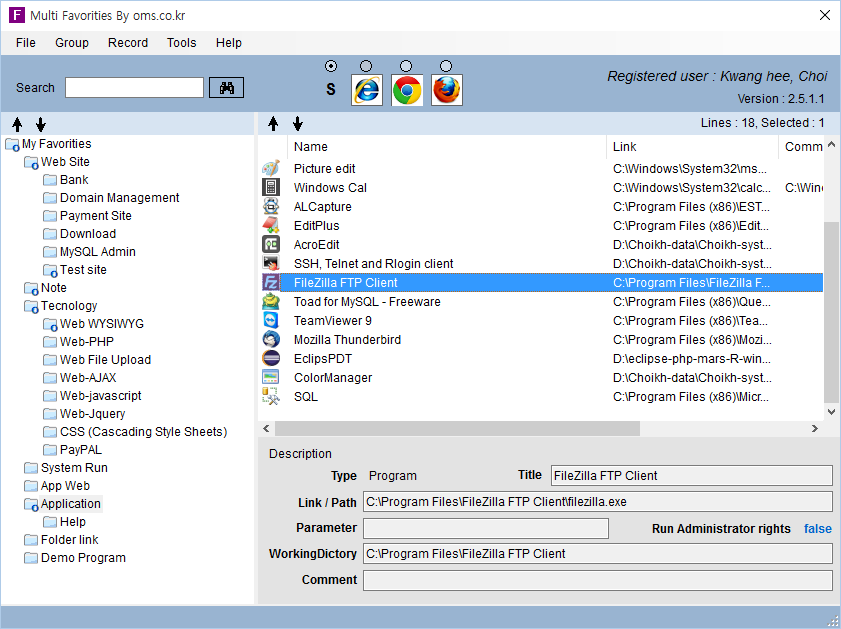
Main Features




© OMS. All rights reserved.
- OMS homepage is compatible with computers and mobile devices
- Please contact us if you have a problem during the site visit. Immediately after confirmation we will try to provide accurate information.